Overview
Drives is a trip tracking feature geared toward helping users spot bad driving habits, plan better routes, and improve fuel efficiency (and if you’re lucky enough to be in the US — Drives Powered by Root could get you a lower insurance rate).
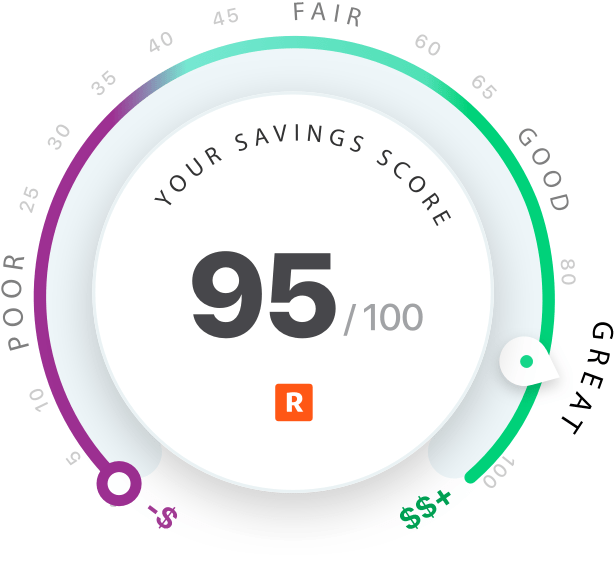
For the refresh of GasBuddy’s Drives feature, I coordinated with our telematics partner, Root Insurance, to help bring the Savings Score to life — A micro interaction designed to give users something to look forward to in order to bring them back to this screen more frequently.
The Asset
As delivery time grew near, it wasn’t immediately clear who was responsible for delivering the final animation assets. At that time we’d only received static artboards delivered via Figma. But as I never pass up the opportunity to create a Lottie animation, I rolled up my sleeves and began turning the asset into a motion graphic.
This Animation’s Creation Process
Unlike some of the Lottie animations I’d worked with in the past, this one posed a few challenges because the design of the Savings Score uses styles that both Lottie and the native render don’t get along with, namely: Gradients and Drop Shadow.
This animation required some rapid fire experimentation for the animation to accurately represent the Savings Score design (note: I take no credit for the design of the Saving Score, major props to the Root product design team).
- Retrieve the asset from Figma
- Tidy up the Figma SVG export and convert it to a Sketch symbol (for later re-use for GasBuddy’s own design purposes, as we are a Sketch organization)
- Export from Sketch and convert the new SVG to Adobe Illustrator file
- Import Adobe Illustrator file into Adobe After Effects
- Convert the Illustrator file to vector outlines and shapes in After Effects (remove merge paths, rename and group all layers)
- Re-style and animate the vector graphics (replicate gradients, trim paths, masking, timing)
- Execute on the animation behaviour decisions based on limited depictions, and several partnership stakeholder feedback rounds
- Export to .JSON using the Bodymovin After Effects plugin, test how the animation renders on both iOS and Android platforms using Lottie native preview apps
- Troubleshoot rendering issues with fixes that work for both iOS and Android
- Provide a “score map” for the engineers to match their code to the animation using the Lottie SDK, along with instruction on how and where to natively add drop shadow/elevation
The Animation – Example Render
The Animation – Live Example In Context
Yes, I am in fact a perfect driver 💯 (or at least was, for the month of November 2020)
TL;DR I love Lottie ❤️
Lottie is a lightweight SDK that can turn weeks or months of engineering time into only a few days of development effort. My goal when producing a Lottie animation is to make sure it gets done quickly, looks as good as it can while working within Lottie’s limitations, all while making sure it is just as easy to implement with as little fuss as possible.
With some platform specific styling and structure recommendations, and the “score map” I’d generated to help tie the animation to code for our engineers, this animation took roughly just over a week of design time to create but only two days to implement.

 Don Hancock